
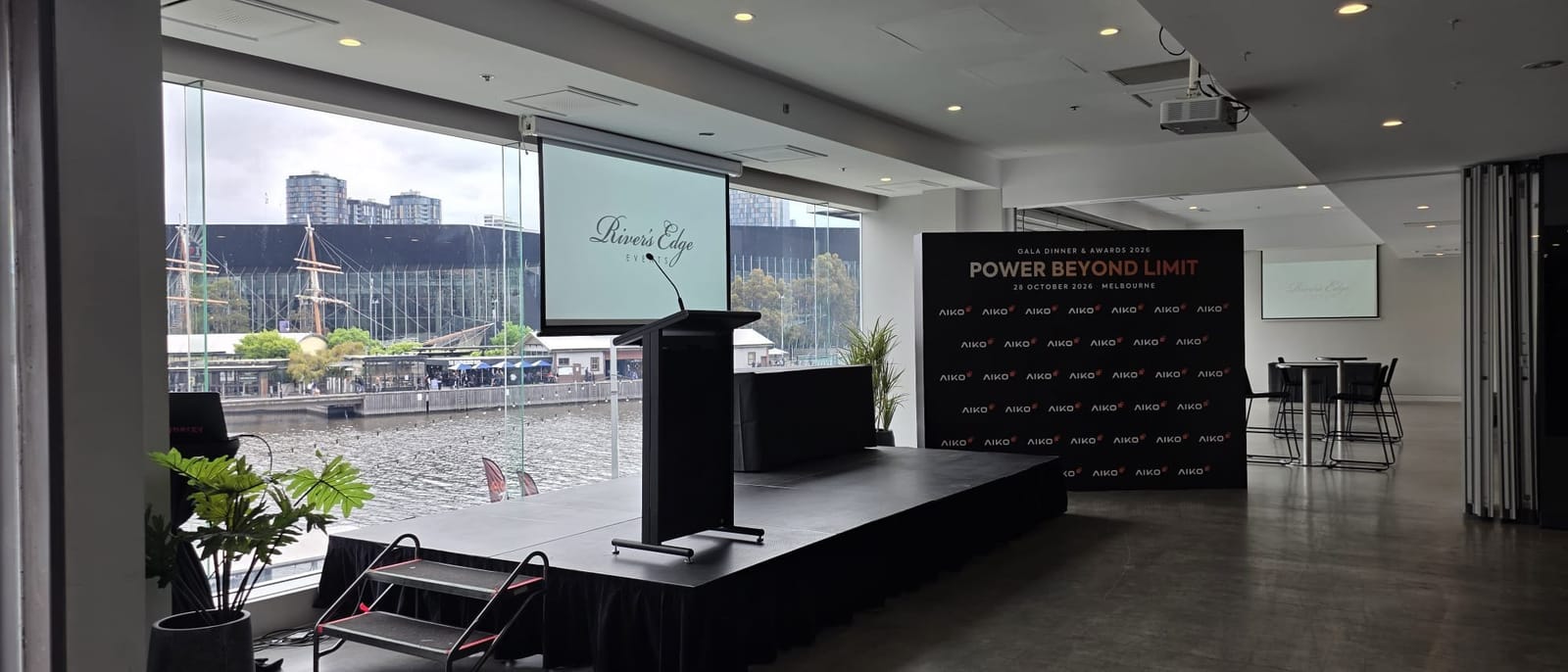
Conference and seminar AV hire in Melbourne
Sound, microphones and screens planned around your program, so every speaker is heard and every slide can be read from the back row.
From one-room seminars to multi-session conferences
- Business and industry conferences
- Seminars and workshops
- Training sessions and professional development days
- Panel discussions and Q&A sessions
- Guest speaker and keynote events
- Educational events, school assemblies and graduations
- Multi-speaker programs with quick changeovers
What makes conference AV work
Audio clarity.
Attendees came to hear the speakers. We match speakers and microphones to the room, and balance levels so the last row hears as clearly as the first.
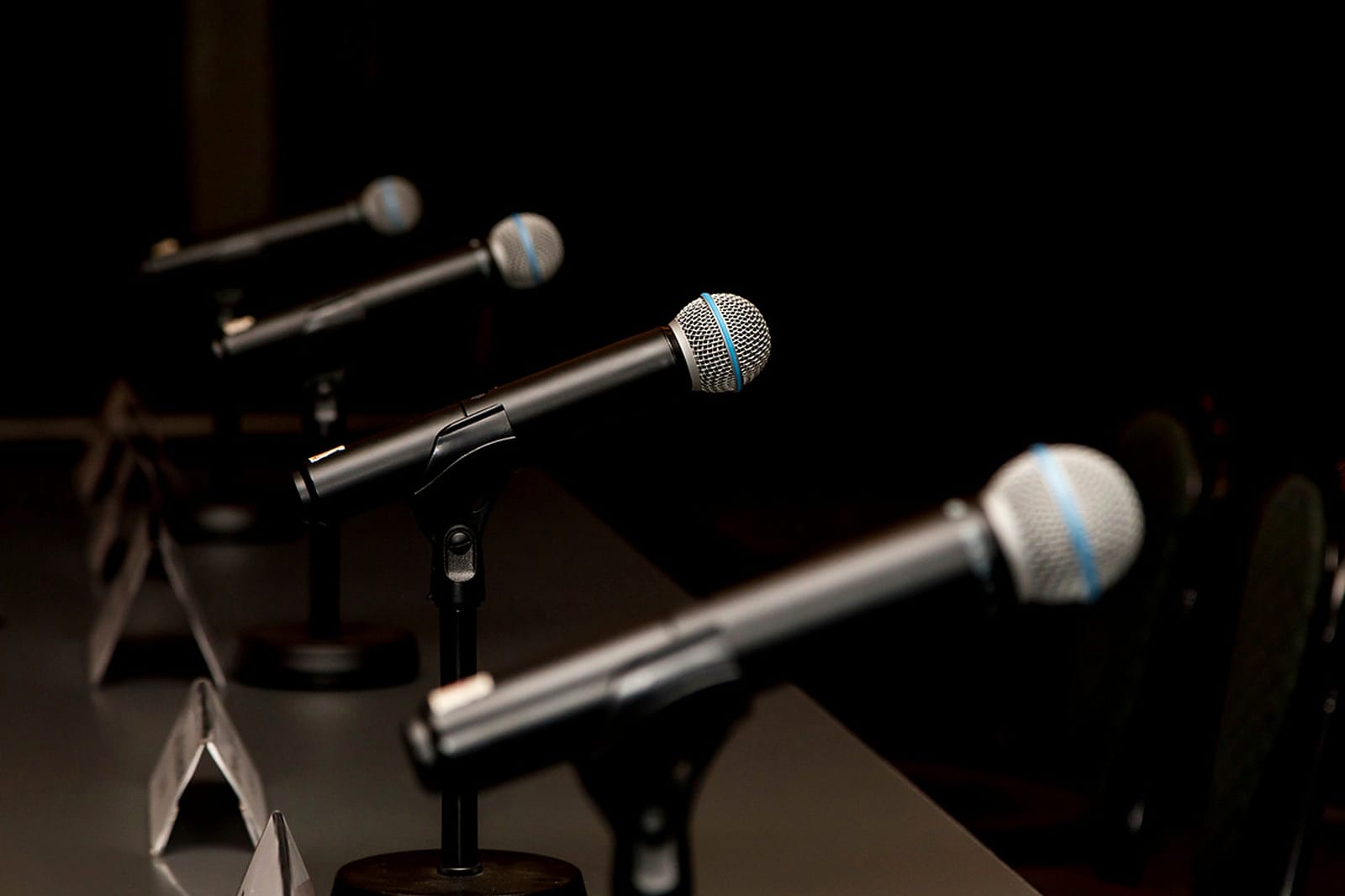
The right microphone for each speaker.
A keynote who walks the stage needs a headset or lapel. A panel needs one microphone per seat. Audience Q&A needs a roving handheld. We plan each one.
Screen visibility.
Slides are only useful if people can read them. Screen size and placement are chosen for the depth of the room and how it's set.
Equipment compatibility.
Laptops, adaptors, clickers and video files are confirmed before the day, not discovered at 8:55 am.
Technical planning.
Session timings, changeovers and walk-in music are mapped to your program, with a technician managing them throughout.
Conference AV equipment
Speaker sound
PA speakers, mixing desk
Presenters
Lectern, handheld, lapel or headset microphones
Panels
Multiple wireless microphones, one per panellist
Audience Q&A
Roving handheld microphones
Slides and video
LED walls, LED screens, LED TVs on stands, projection
Staging
Stage lighting, truss for screens and branding
Remote audiences
Live streaming and recording
See panel microphone hire and the rest of our AV equipment.
Planning your conference AV
- Room setup: theatre, classroom, cabaret and banquet layouts each affect speaker and screen placement.
- Speaker count and changeovers: the more presenters, the more value an on-site technician adds.
- Content management: collect presentations in advance and run them from one machine where possible.
- Breakout rooms: each room needs its own sound and screen plan.
- Venue in-house AV: we can check what exists and fill the gaps.
What we'll ask you
- 1How many attendees, and what's the room layout?
- 2How many speakers, and in what format: keynote, panel or workshop?
- 3Will presenters use their own laptops or a central show machine?
- 4Do you need audience microphones for Q&A?
- 5Are there video clips with audio?
- 6Will anyone present remotely, or will the event be streamed or recorded?
- 7What are the venue's access times for setup and pack-down?
You don't need every answer to enquire. A draft program is enough to start.
Include people who can't be in the room
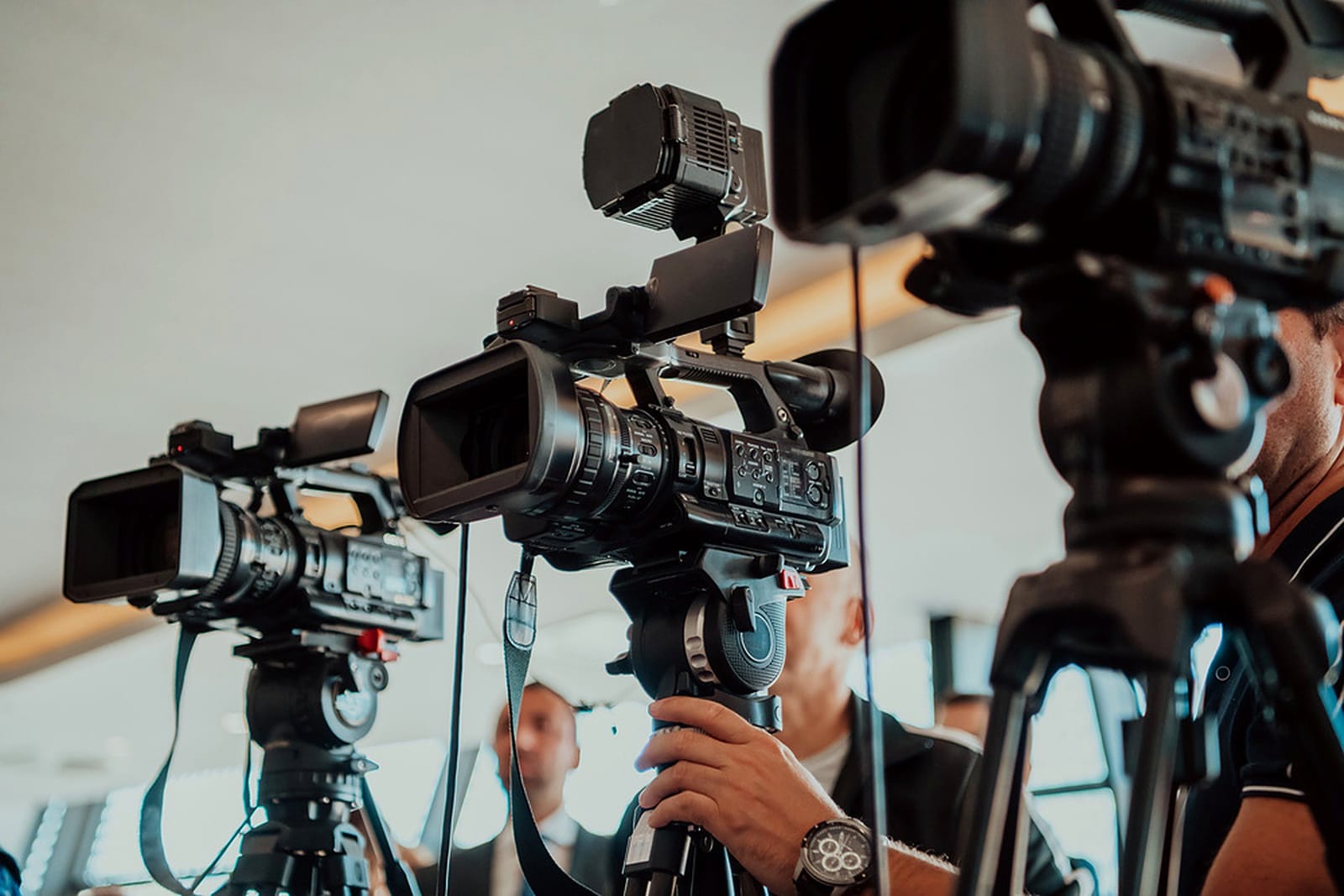
We can stream sessions to remote attendees, record presentations for later, or bring a remote speaker onto the big screen. Live streaming and videography.
Conference AV questions
Can you support multiple speakers and panel discussions?
Yes. We supply a microphone for each panellist and a technician to manage levels, so nobody has to tap a microphone to check it's on.
What if a presenter's file doesn't work on the day?
We ask for files in advance so they can be tested. On the day, our technician will troubleshoot and have a backup plan ready.
Can you help with school or university events?
Yes. Assemblies, graduations, open days and guest lectures have similar needs: clear speech, visible screens and reliable microphones.
Running a function rather than a program? See corporate event AV.
Send us your program
Share your draft agenda, room layout and attendee numbers, and we'll recommend a setup for each session.
Or call us on 1300 46 35 46